Nano Banana
 WAN
 Qwen
 Seedream
 Veo 3
 Kling
 MiniMax
 Gemini Omni
Drag the nodes and hover to see the connections.Tap a node to see its connections.
- Setup
- Nodes
- Dependencies
- Models
- Workflows
Create images, videos, voices, UGC and virtual influencers with professional workflows behind one simple interface.
An image here, the video there, the voice somewhere else. Every step means another account, another plan and another interface to learn.
7 tools.
7 subscriptions.
7 interfaces.
One single creative operation.
The power of ComfyUI. The simplicity of an app.
The workflows, nodes, models and advanced settings are all still there. You just never have to wire any of them up.
Drag the nodes and hover to see the connections.Tap a node to see its connections.
You pick the flow. Hervora handles the complexity.
Pick what you want to create, tweak it and hit generate. Every tab is a pro workflow, already built and tuned.
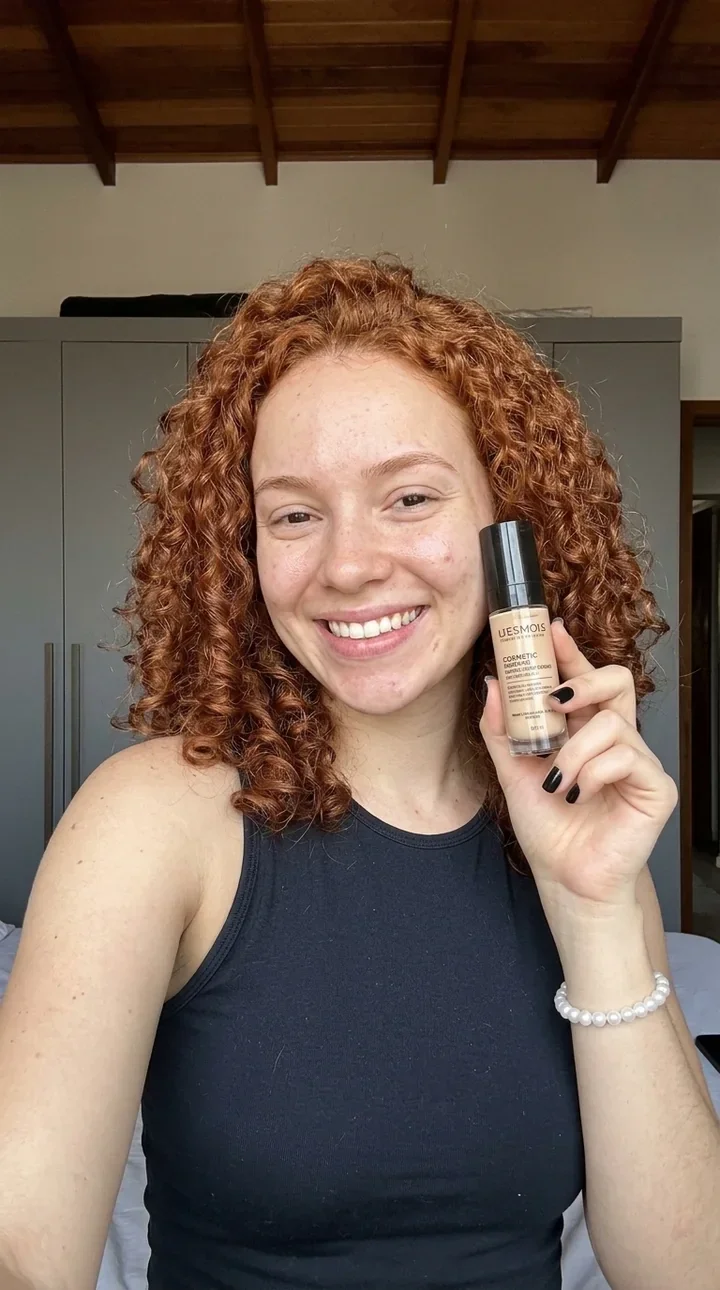


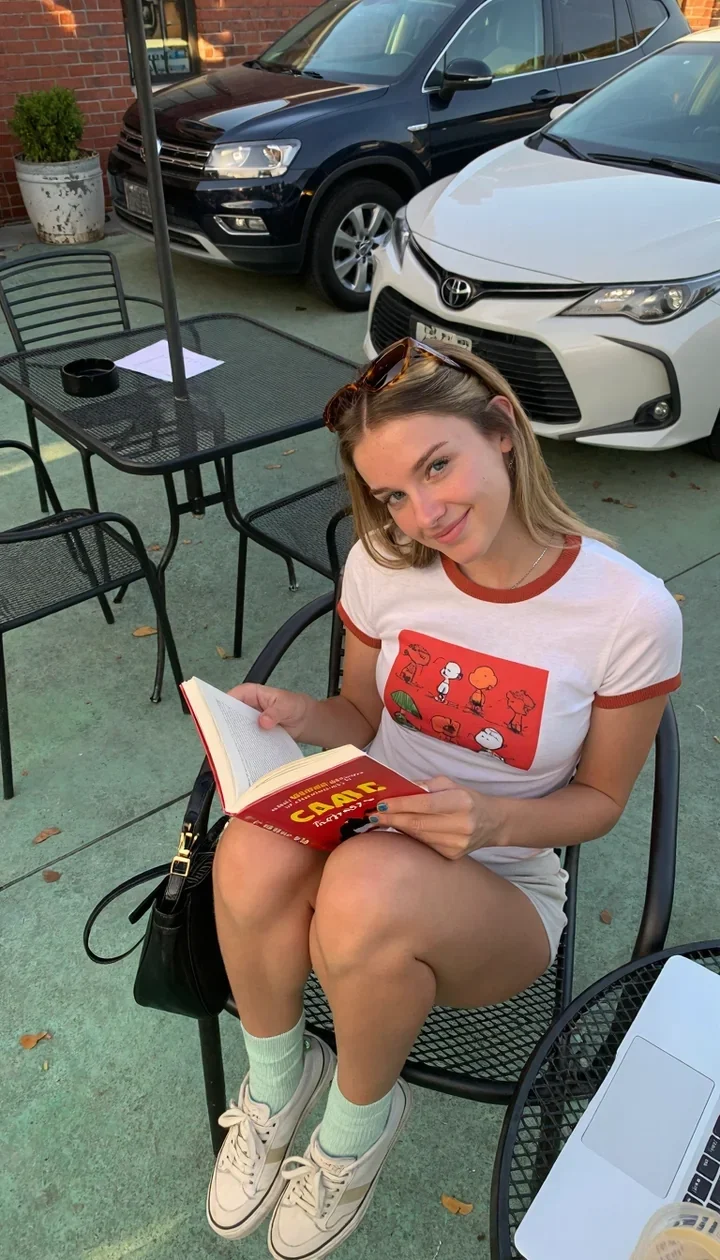
3 images ready. Powered by Nano Banana 2.1
Interactive demo. Results are real examples generated on Hervora.
Image
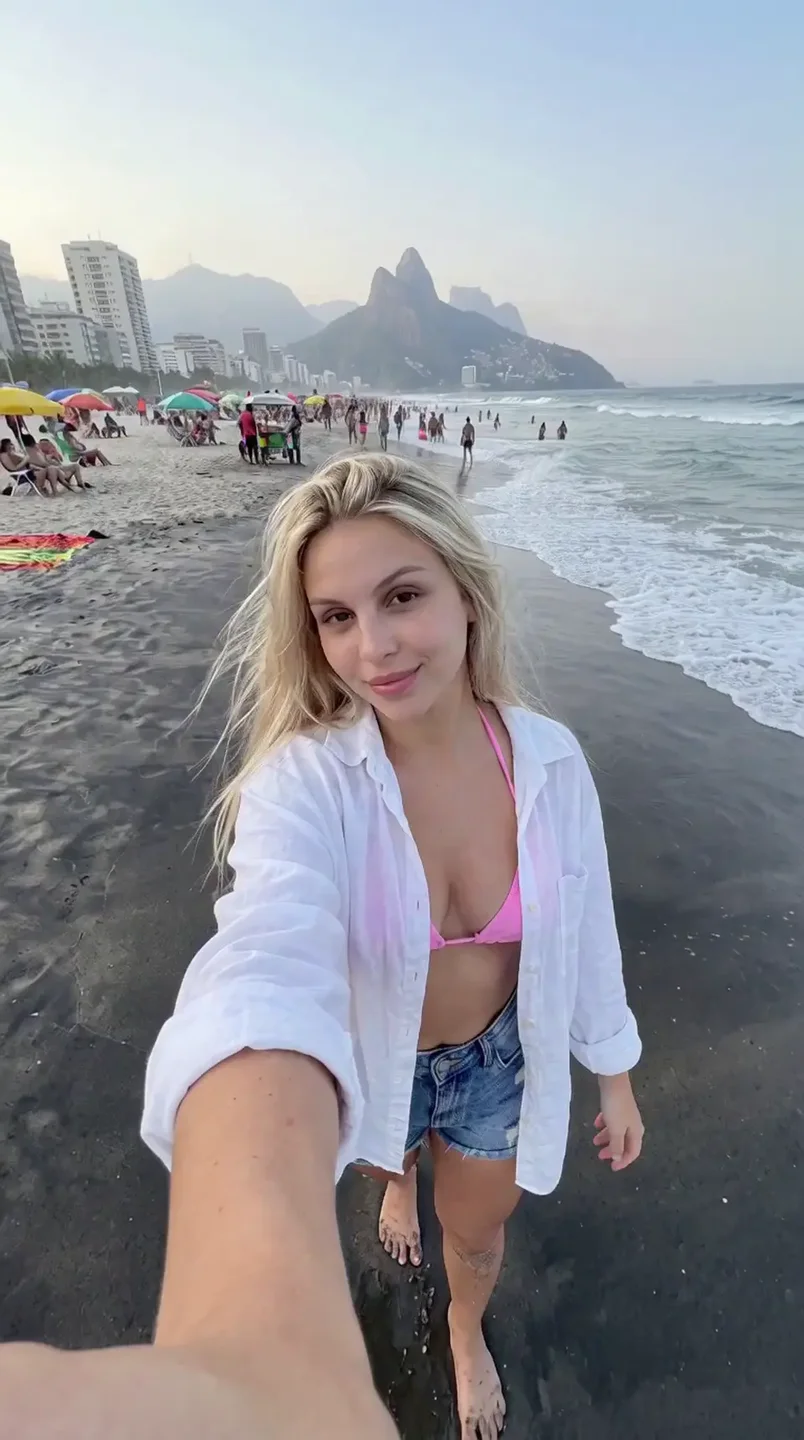
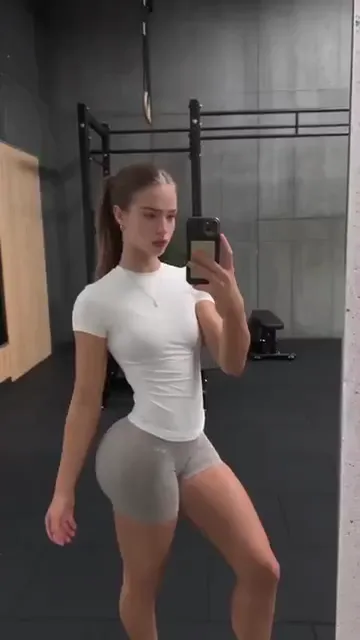
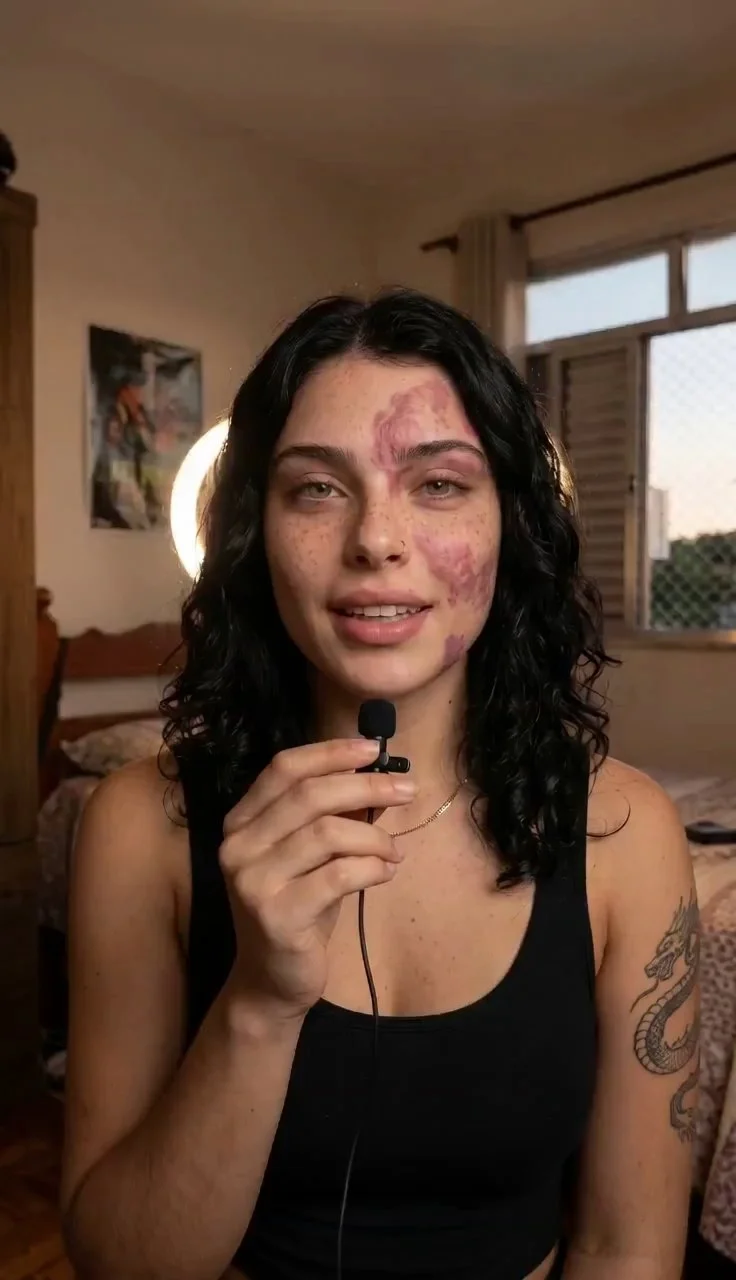
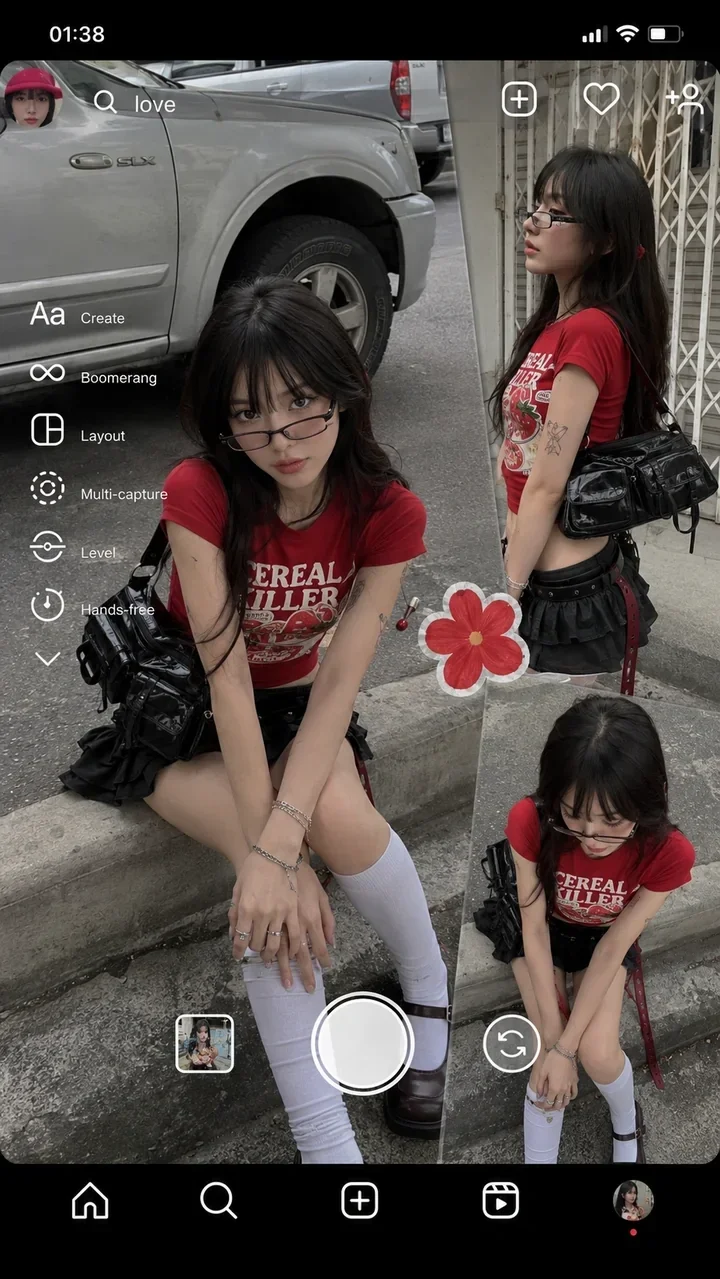
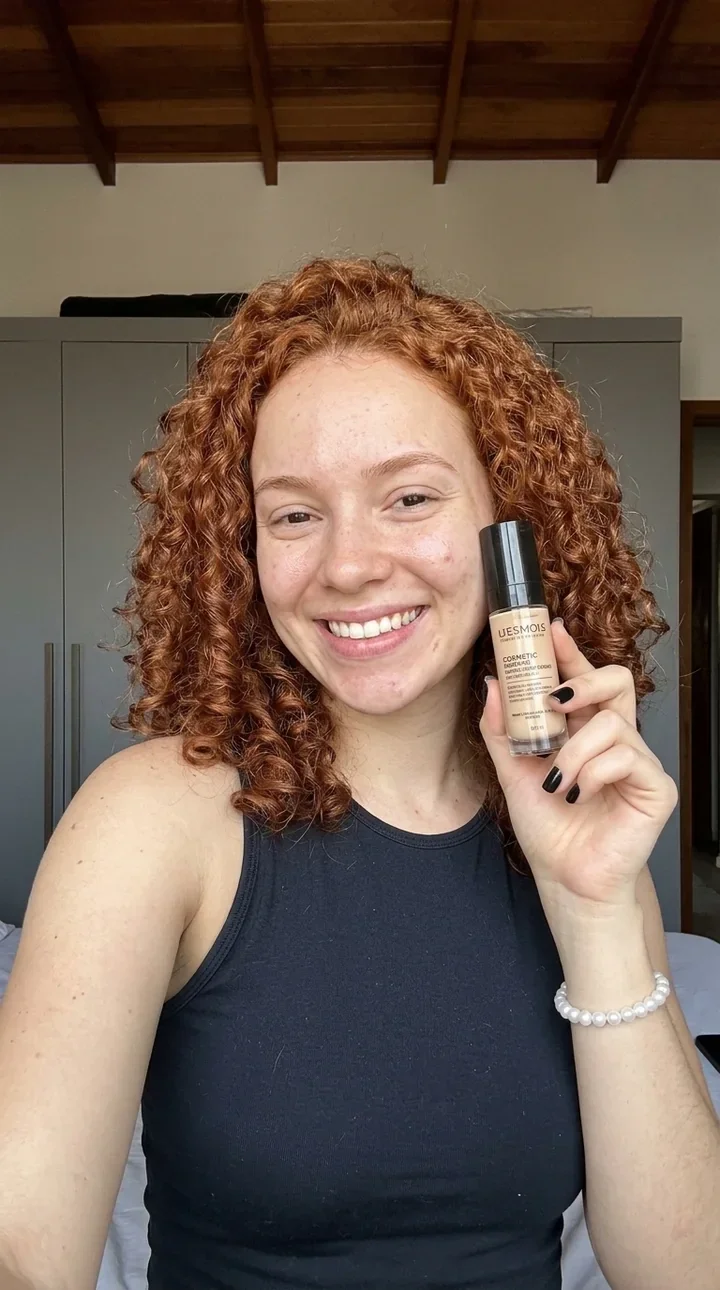
Textured skin, light that makes sense and a photographer’s eye for composition. Start from scratch or from your own reference.
Candid selfie, natural light, phone in hand, real skin
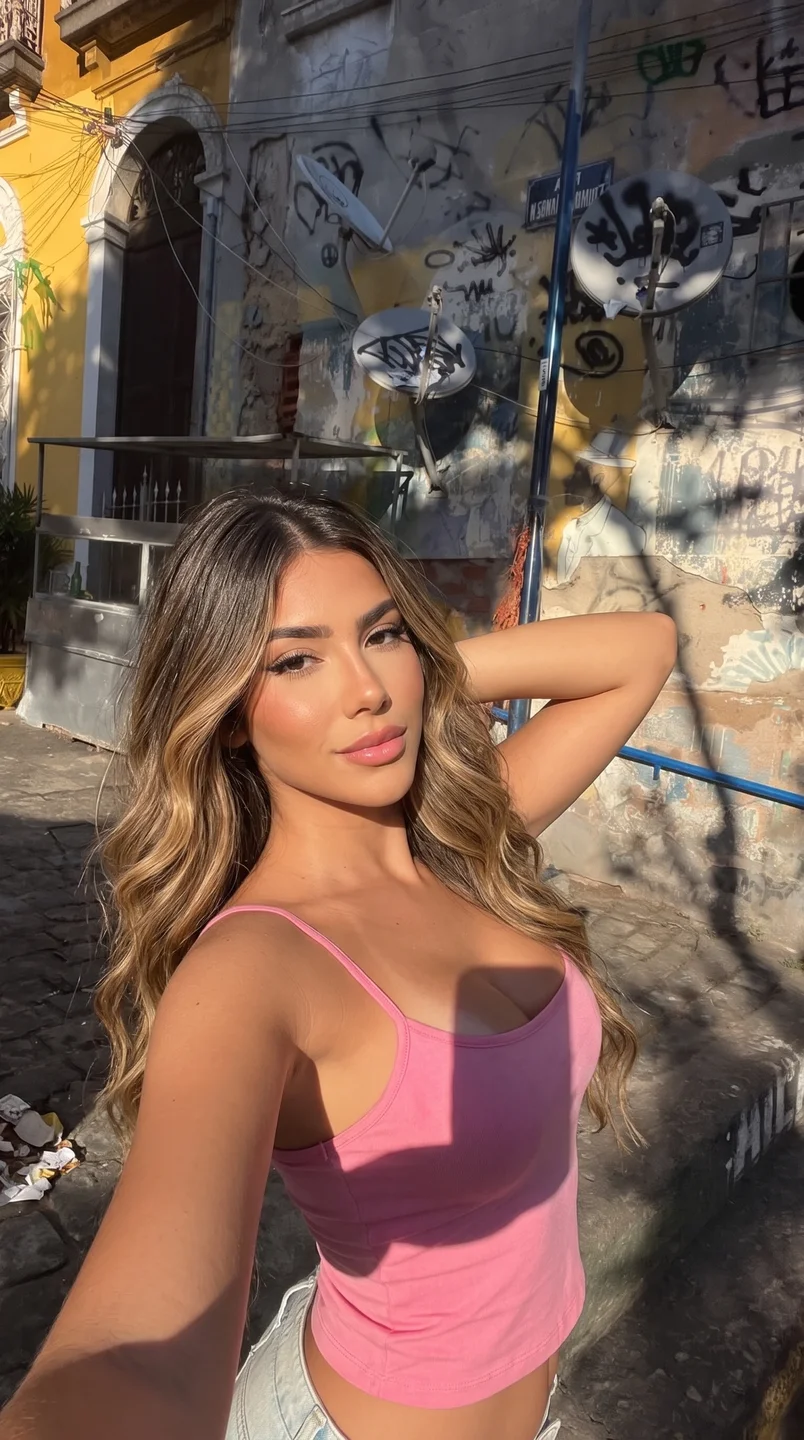


3 variations. Powered by Nano Banana 2
Video
Turn an image into video, copy the motion from a reference or make a character talk. Vertical format, ready to post.
Powered by WAN 2.2 and LTX 2.3
Editing
Outfit Swap. Put the same person in a new outfit, in the same scene and with the same framing.
200 credits per image
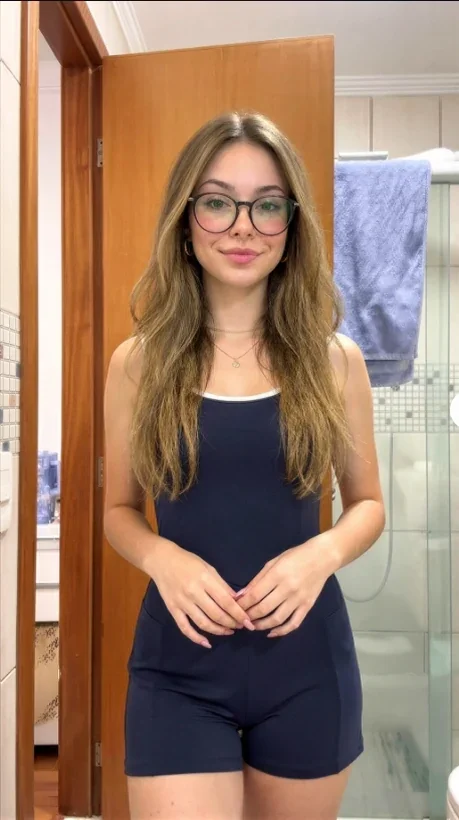
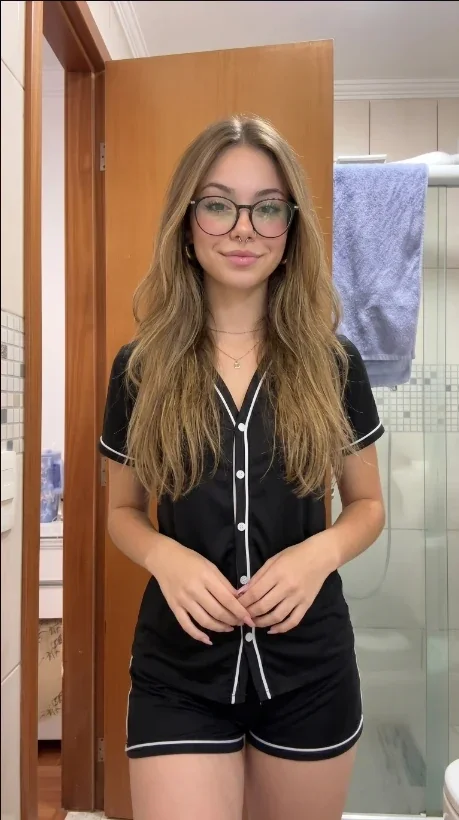
Drag to compare
Influencer Lab
Create virtual models and keep them consistent across every generation. Face, features and style stay the same in every new scene.


 @marcus.virtual, identity saved
Dataset LoRA
Upload a few reference photos and generate consistent variations of the same model in different settings. Download it all as a ZIP.
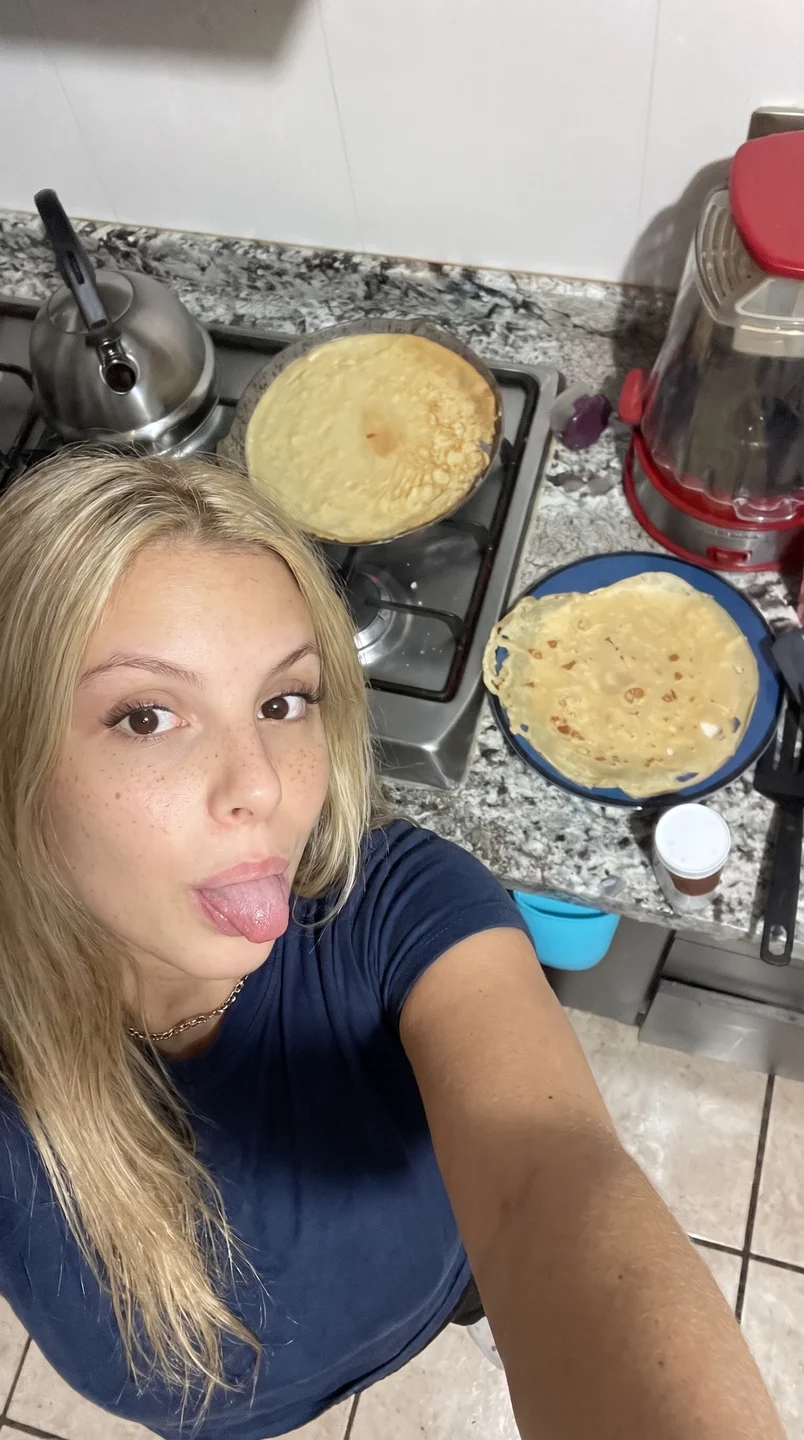
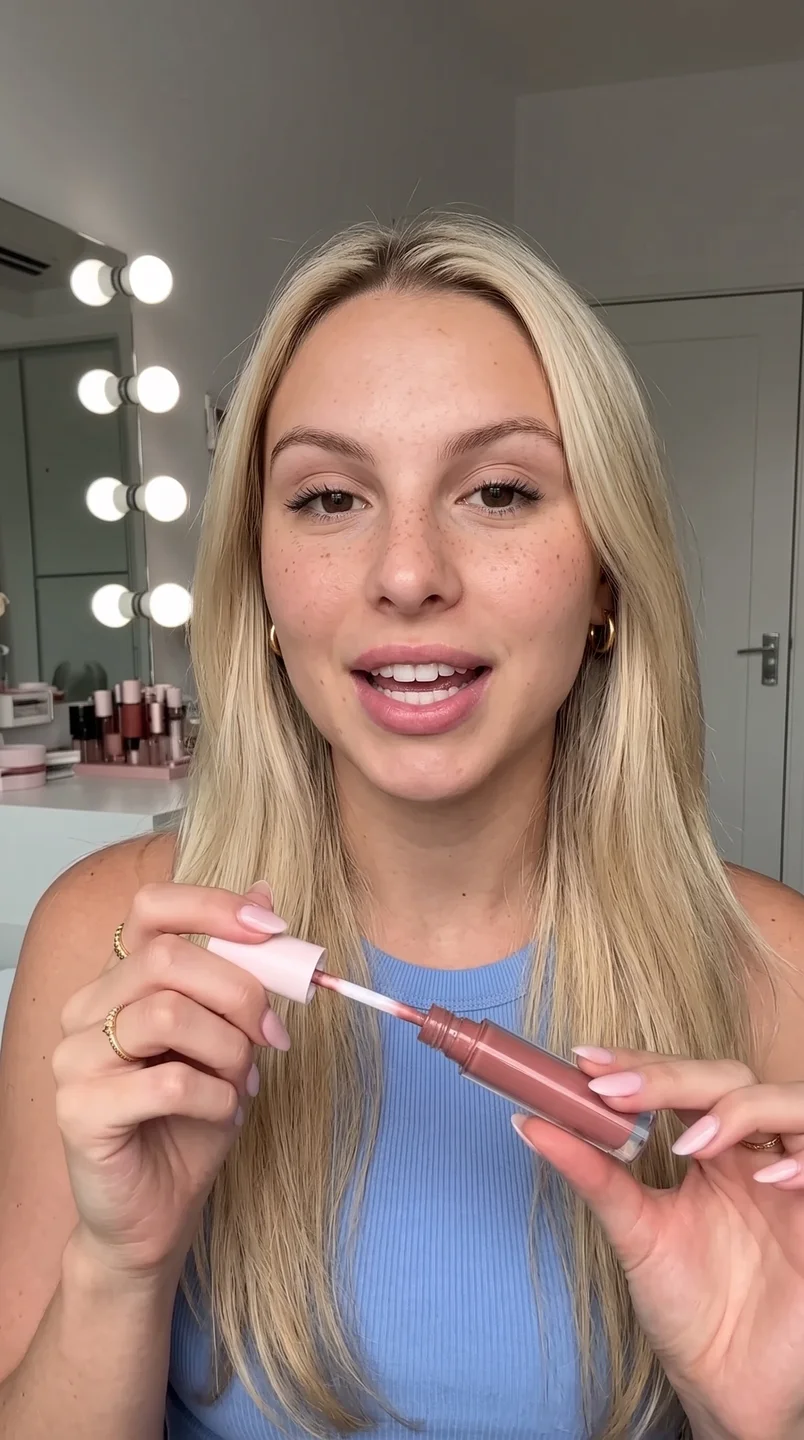
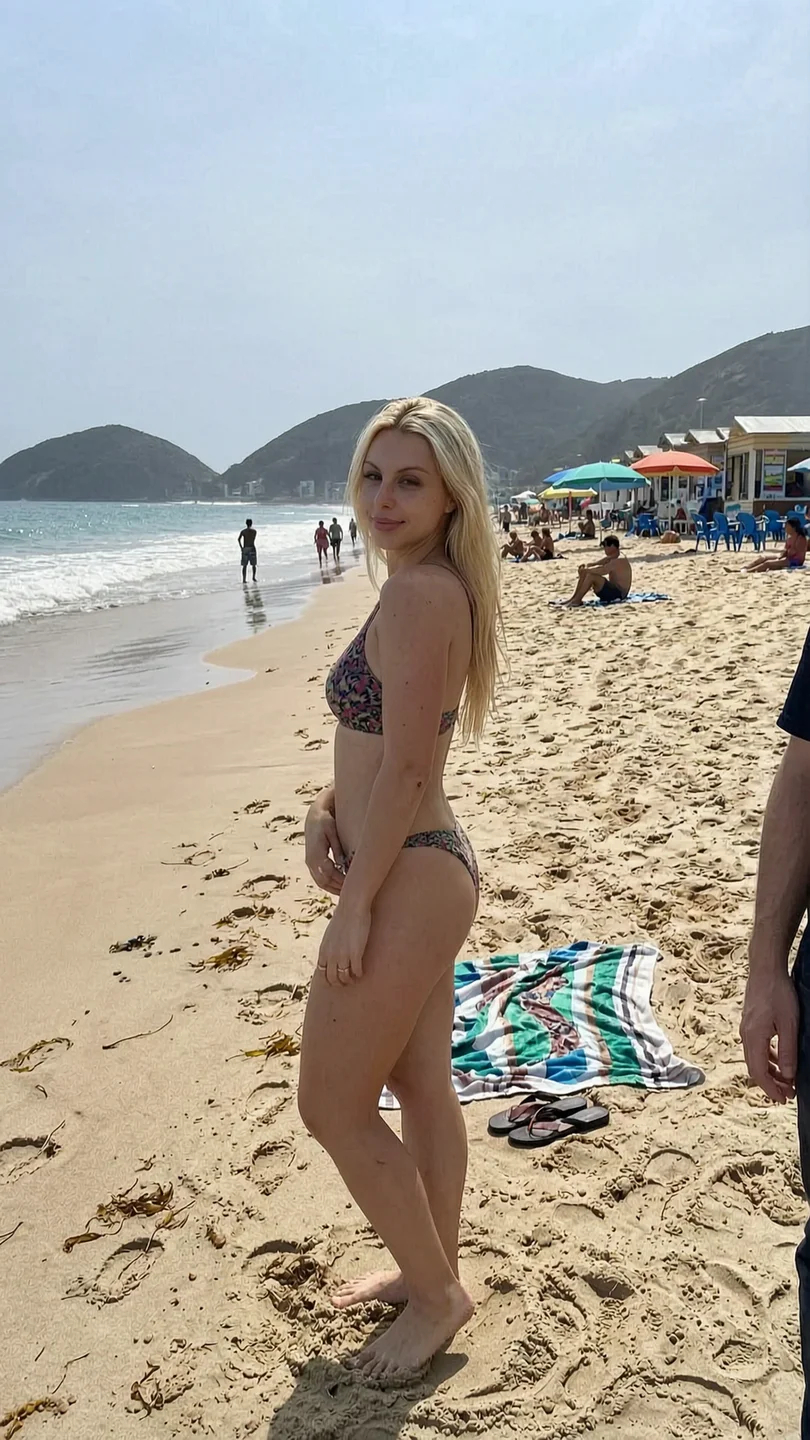
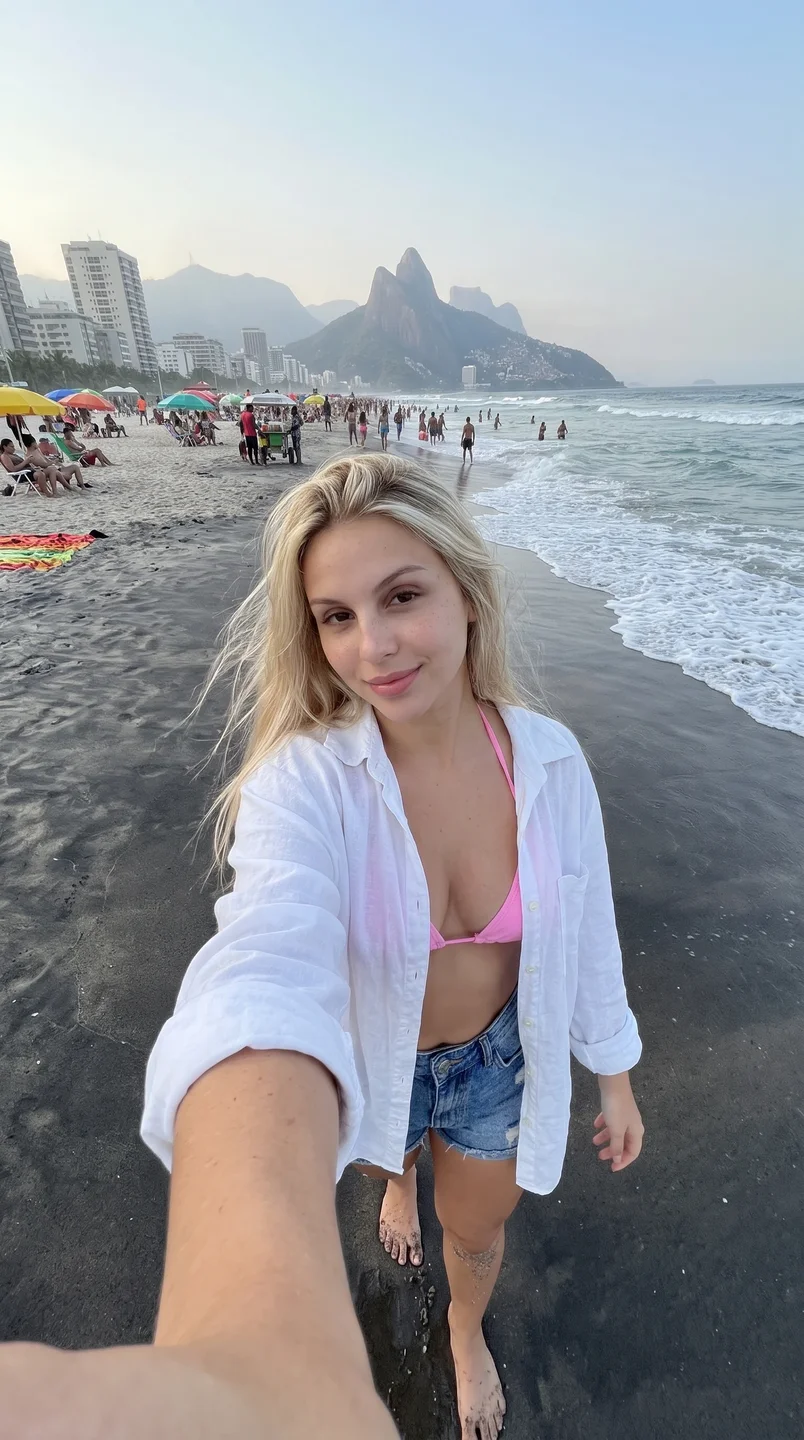
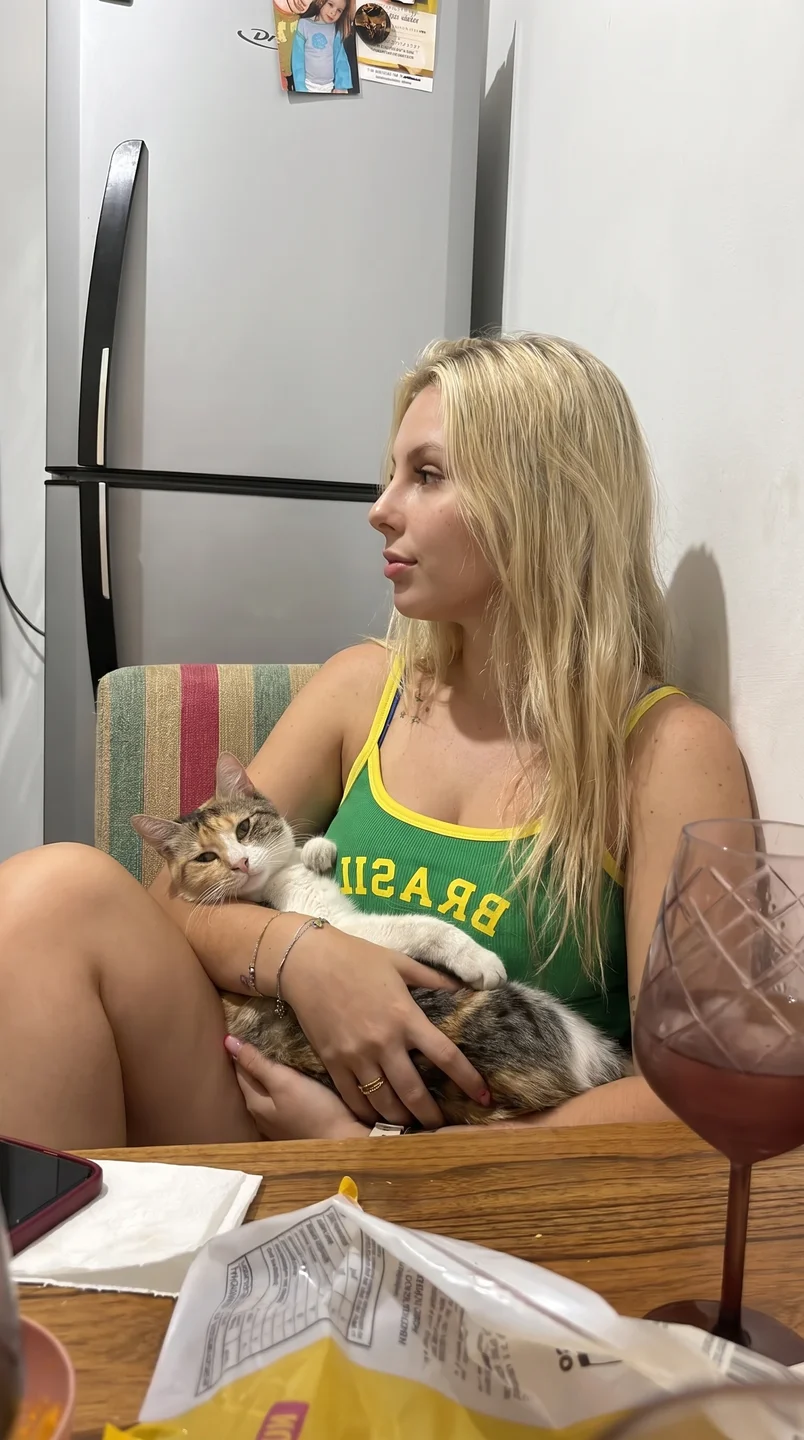
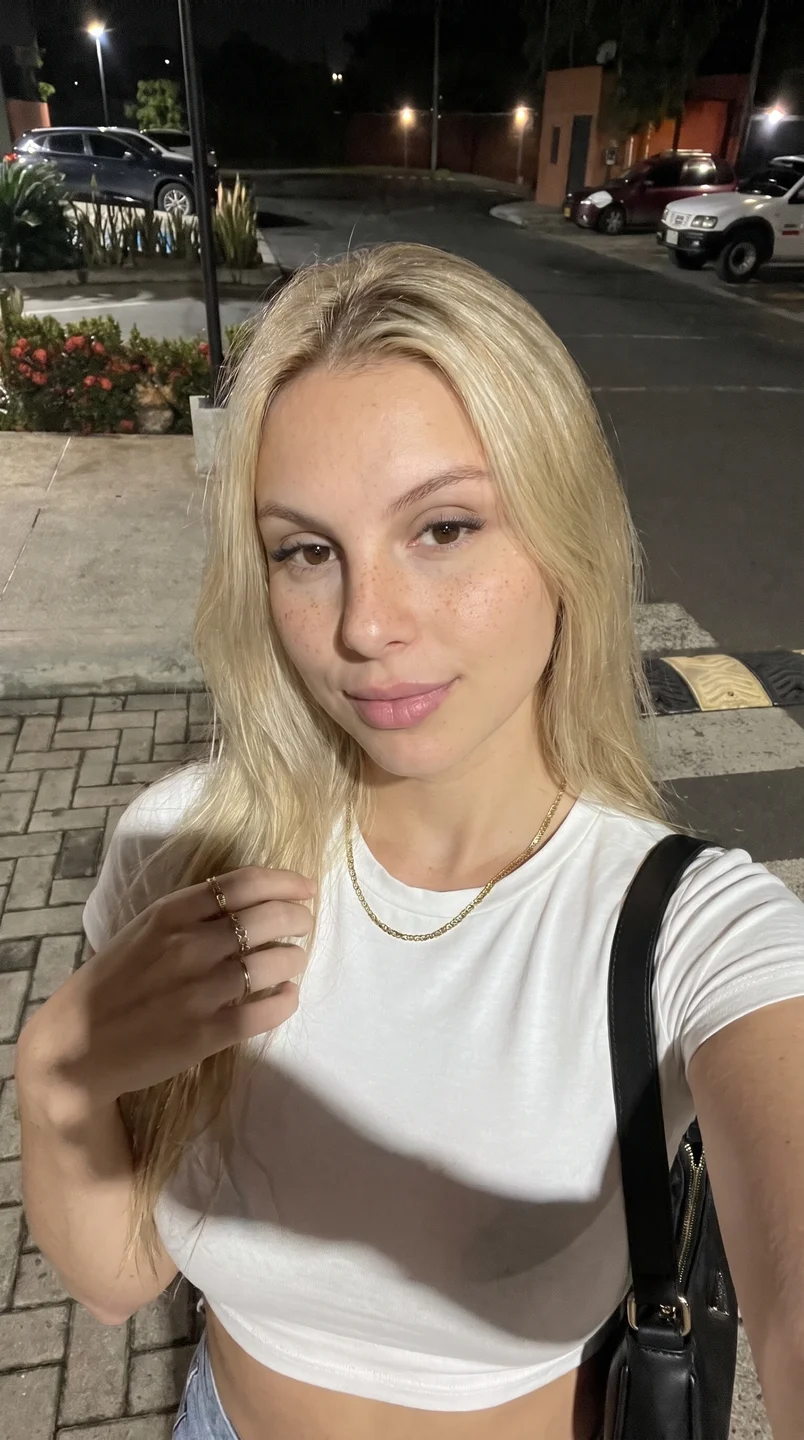
Results
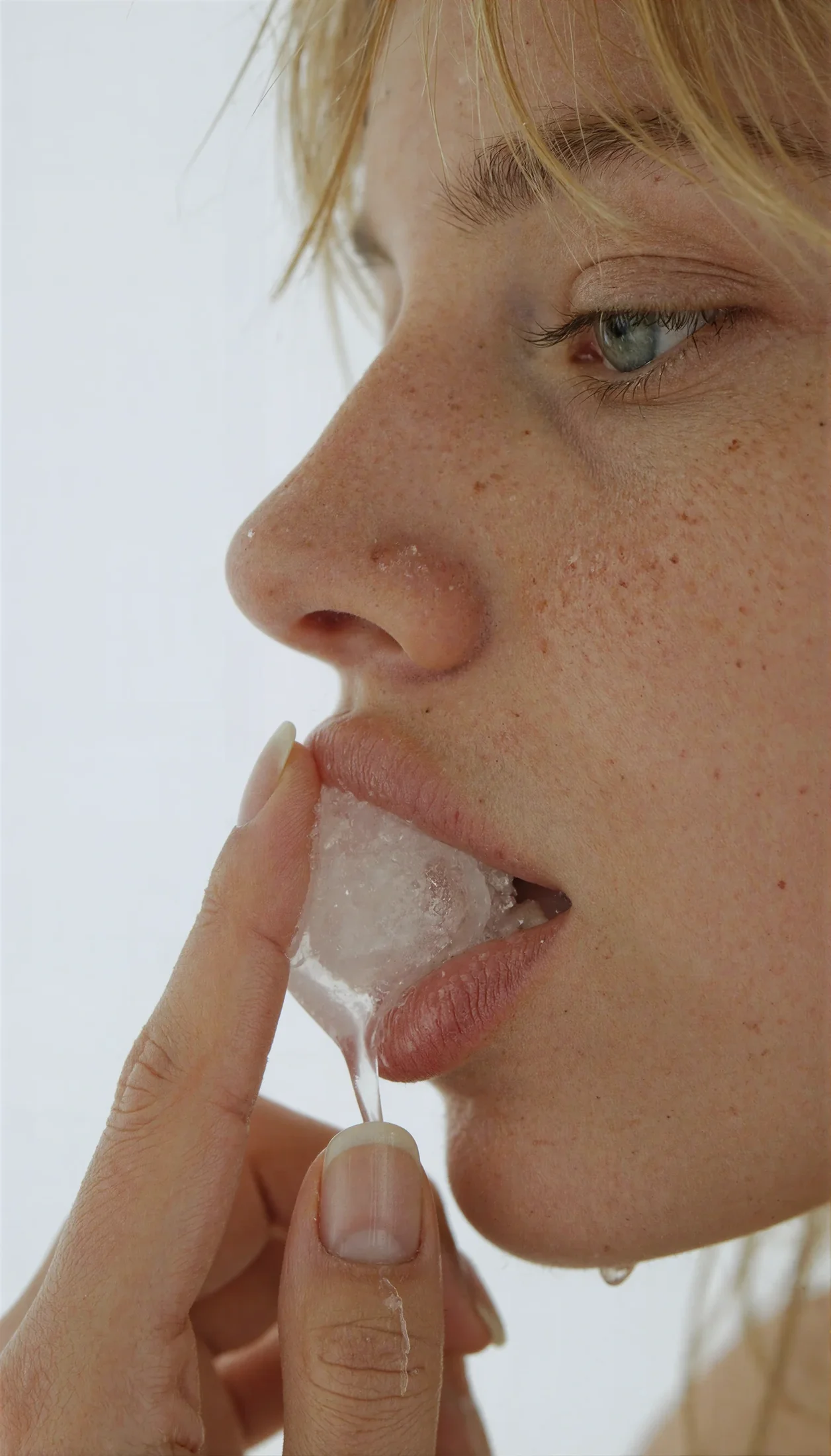
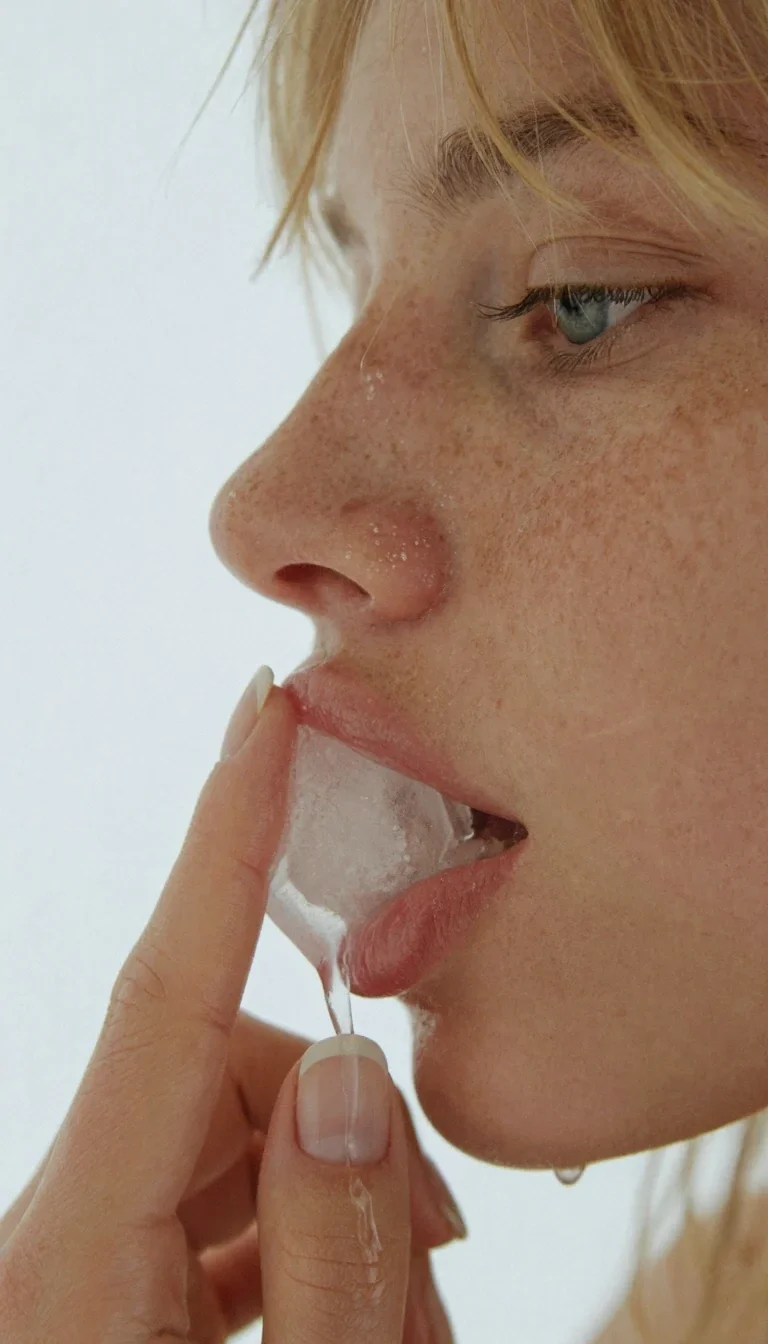

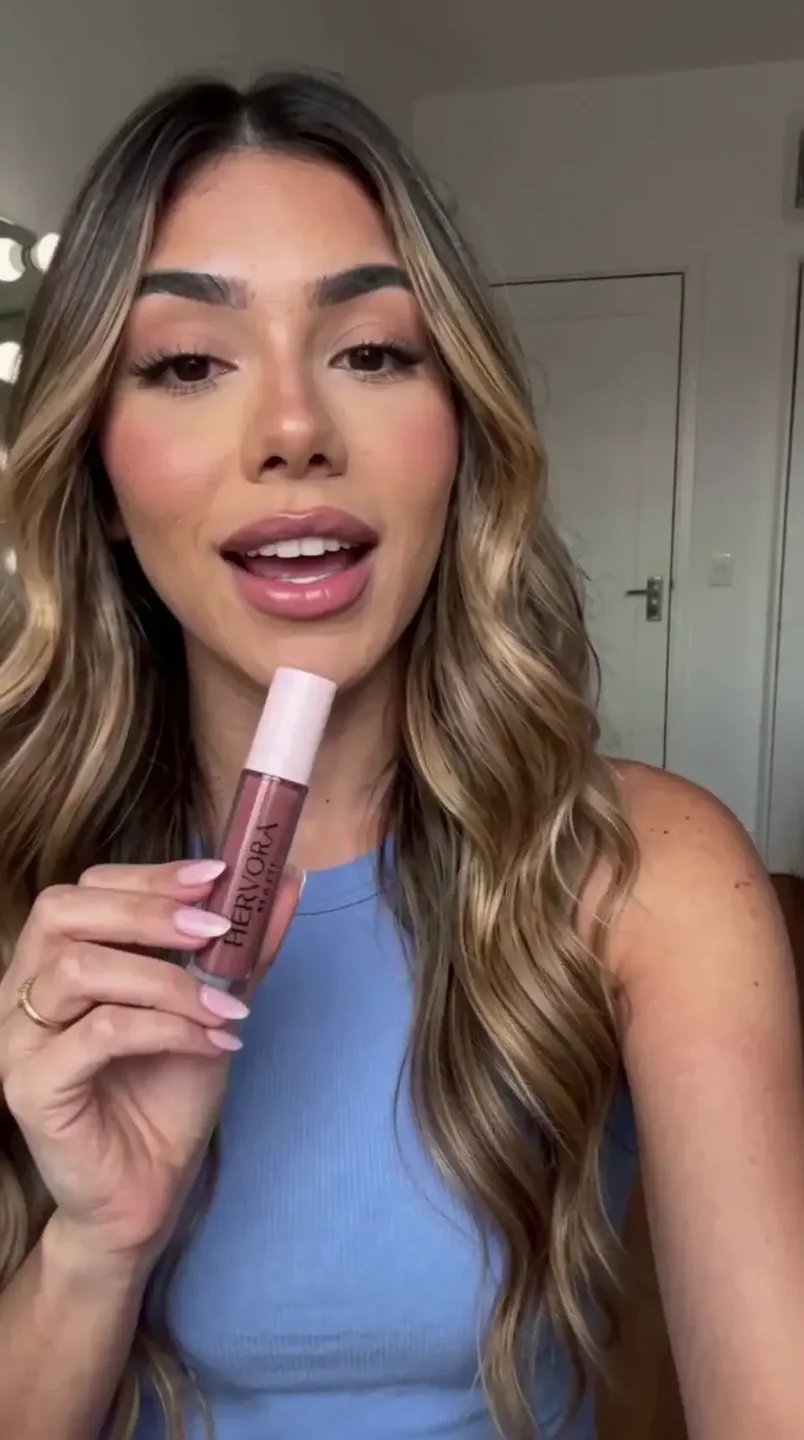
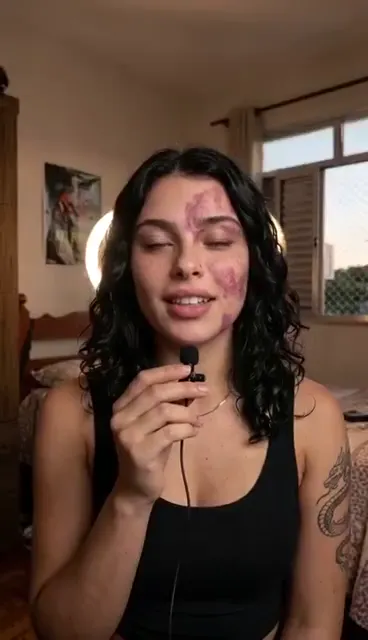
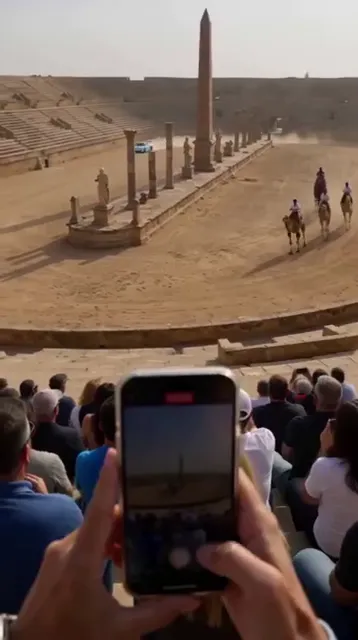
AI videos made on the platform, no outside editing.
Produce content at scale.
Run campaigns without juggling a dozen tools.
Centralize production for every client.
Run advanced workflows without living inside ComfyUI.
Build consistent characters.
Pricing
Every feature unlocked. You choose the volume.
Simple flows with advanced workflows running behind the scenes.
R$87.90/mo
20,000 credits per month
≈ R$ 4.40 per 1,000 credits
Start PremiumFor creators who publish every week and need volume with control.
R$127.90/mo
30,000 credits per month
≈ R$ 4.26 per 1,000, +50% volume
Start Premium ProFor teams that want advanced flows, support and room to scale.
R$187.90/mo
45,000 credits per month
≈ R$ 4.18 per 1,000, lowest cost
Start Hervora ProFor agencies, studios and companies that need volume and tailored terms.
Let's talk
Tailored credits
≈ Best cost per thousand, based on volume
Plan credits are tied to your subscription and expire at the end of each monthly cycle, when a new balance is released. Need more? Buy add-on credits anytime: they never expire, but require an active plan to use.
See how much each plan offers across the main tools.
| Credits per unit | 20K Premium R$87.90R$4.40 / 1K credits | 30K Premium Pro R$127.90R$4.26 / 1K credits | 45K Hervora Pro R$187.90R$4.18 / 1K creditsLowest cost per credit |
|---|---|---|---|
| Krea 245 credits / image | |||
| Nano Banana 2.175 credits / image | |||
| GPT Image 2.5120 credits / image | |||
| Seedream 5 Pro125 credits / imageEditable estimate |
Simulation assumes the full balance goes to one tool. Usage may vary with settings. Editing these parameters does not change platform prices or billing.
FAQ
Still have questions? Talk to support
An AI creation platform that brings image, video, voice, UGC, editing, virtual influencers and LoRA together in one place. Professional workflows run in the cloud behind the scenes; in front of you, a simple interface.
No. Every workflow comes built and tuned. Upload your media, write a prompt and hit generate. No nodes, no flowcharts.
No. Hervora runs entirely in the browser, on desktop and on mobile, and processing happens on cloud GPUs, so you don't need a powerful device.
Each generation uses credits from your balance. One balance covers every model, you see the cost before you generate, and the balance updates in real time.
No. Plan credits are tied to your subscription and expire at the end of each monthly cycle, when a new balance is released. Only add-on credits bought separately never expire, and using them requires an active plan.
Yes. If you run out before your renewal, you can buy add-on credits inside the platform. They never expire, but can only be used with an active plan.
Among others: Nano Banana 2, GPT Image 2, Z-Image Turbo, Seedream, Qwen, FLUX, LTX 2.3, WAN 2.2, Motion Clone and Infinite Talk. The list grows as new models reach the market.
Yes. Turn images into video, clone motion from a reference, generate videos with LTX 2.3 and upscale video in vertical format, ready for social media.
With Dataset LoRA you generate consistent variations of the same character from just a few photos and download the set as a ZIP, ready to train your LoRA.
Yes. Support is available on WhatsApp and helps you pick the best flow for each project.
You have 7 days to try Hervora. If it isn't right for you, request a refund within that window, according to the guarantee terms.
Image, video, voice and advanced workflows in one workspace.
Start creatingCreate your account and explore Hervora.
 Seedream